Google Sheets templates · 2026 edition
A free Google Sheets budget template that fills itself in
sheetfolk makes hand-built Google Sheets templates for real households and one-person shops. Type your numbers; every total, dashboard and progress bar updates itself. Buy once — your copy is yours forever.
Instant download · No subscription · Free 2026-edition updates
Animated preview: a small budget sheet types in four categories, counts up their amounts, sums them with a formula, and draws a bar chart.
The templates
Pick the sheet your money needs
Every template ships with worked examples, marked input cells, protected formulas, and a READ ME tab that walks you through setup.
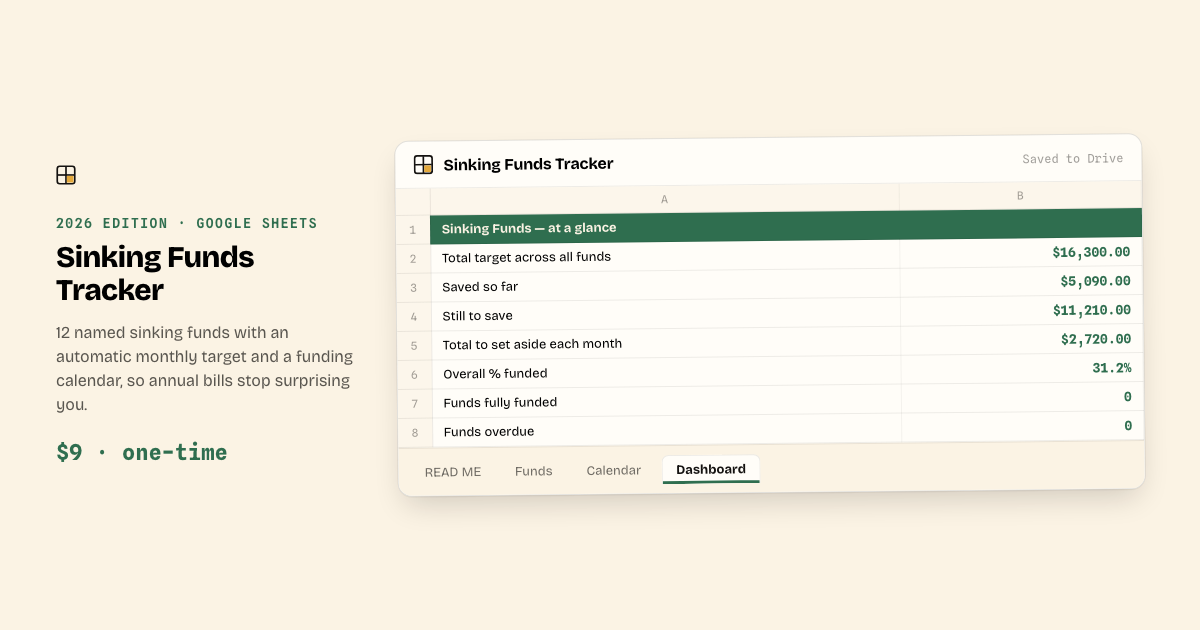
Sinking Funds Tracker
12 named funds with automatic monthly targets and a funding calendar — so annual bills stop surprising you.
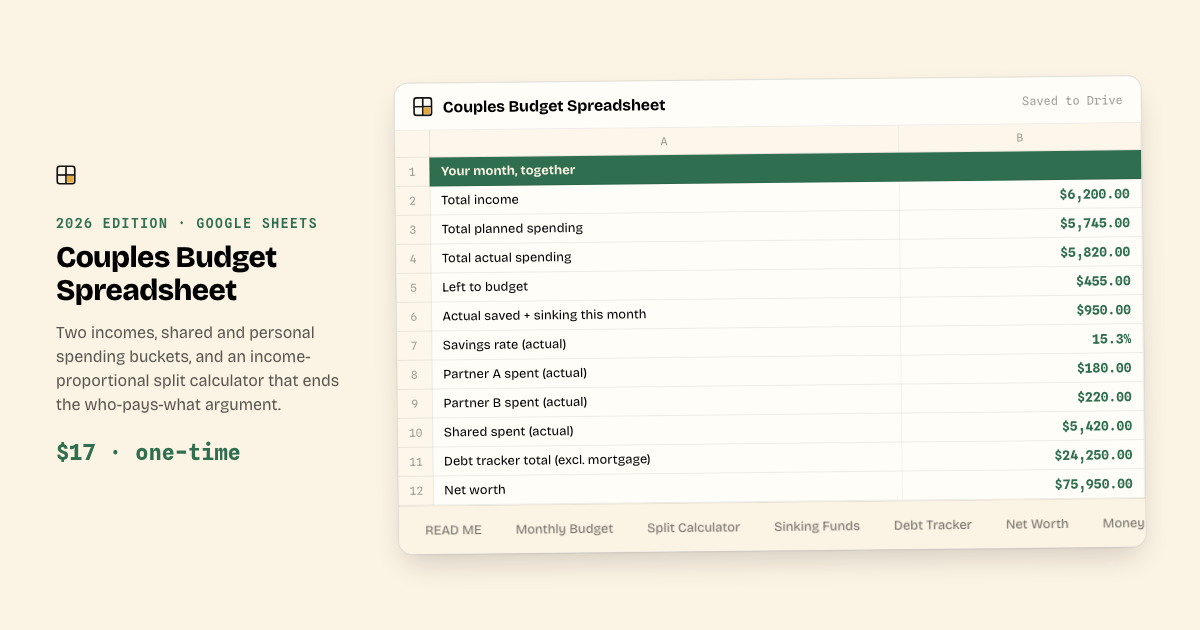
Couples Budget Spreadsheet
Built for two incomes, with shared and personal spending buckets — one honest picture of the month, no blame math.
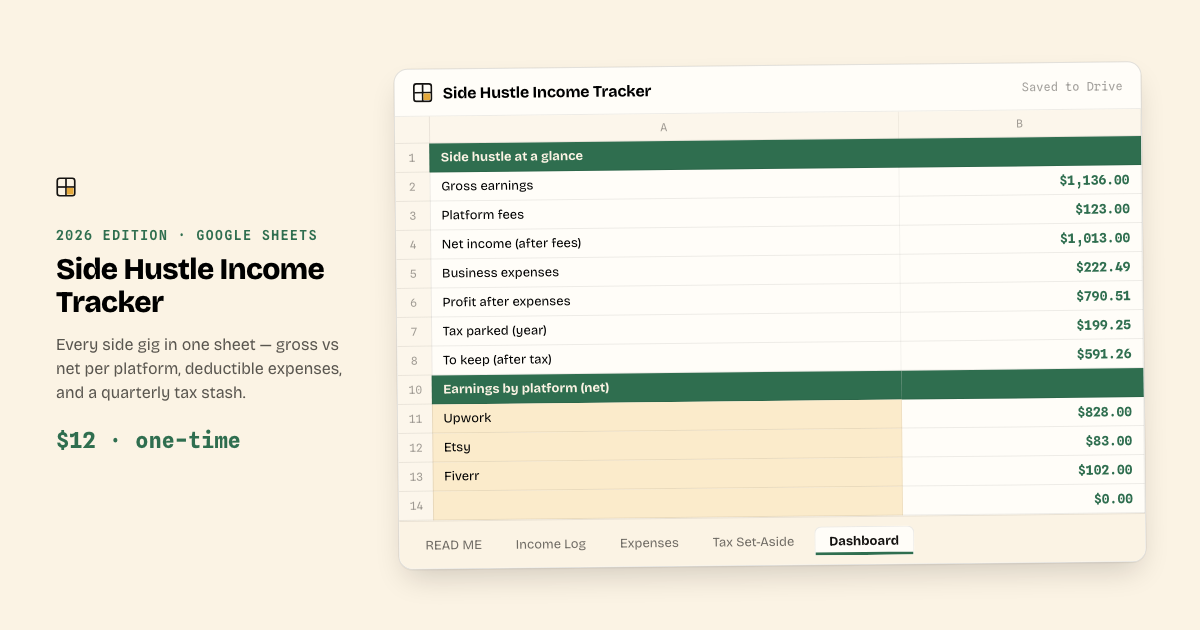
Side Hustle Income Tracker
Every side gig in one sheet — gross vs net per platform, expenses, and a quarterly tax stash.
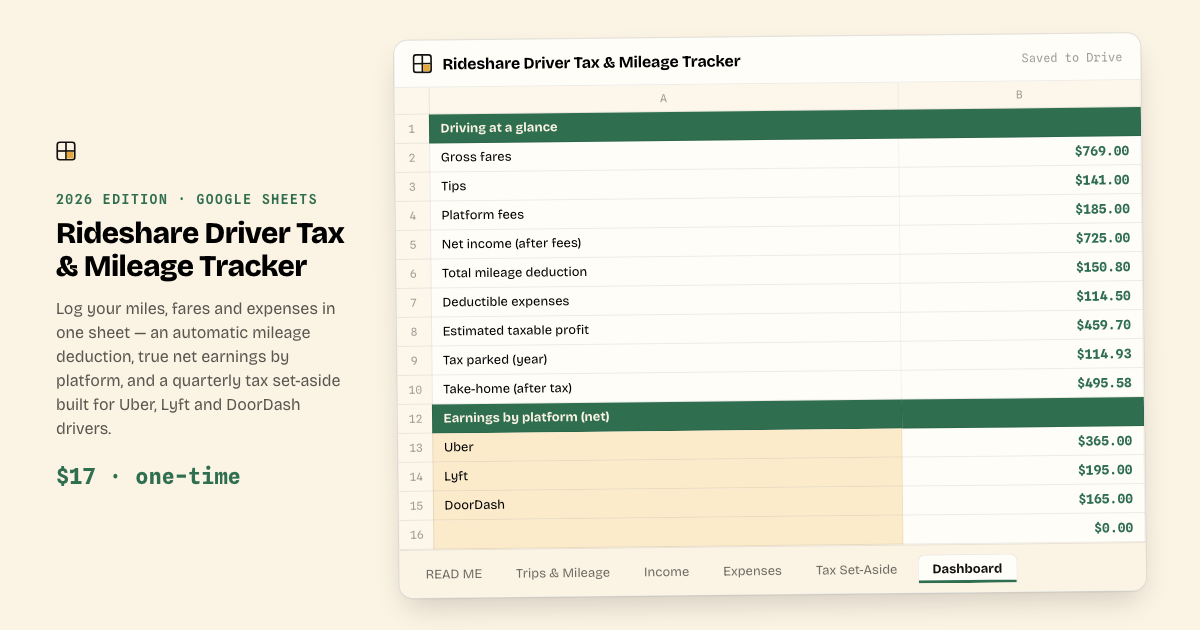
Rideshare Driver Tax & Mileage Tracker
Log your miles, fares and expenses — get your mileage deduction, true net earnings by platform, and a quarterly tax stash.
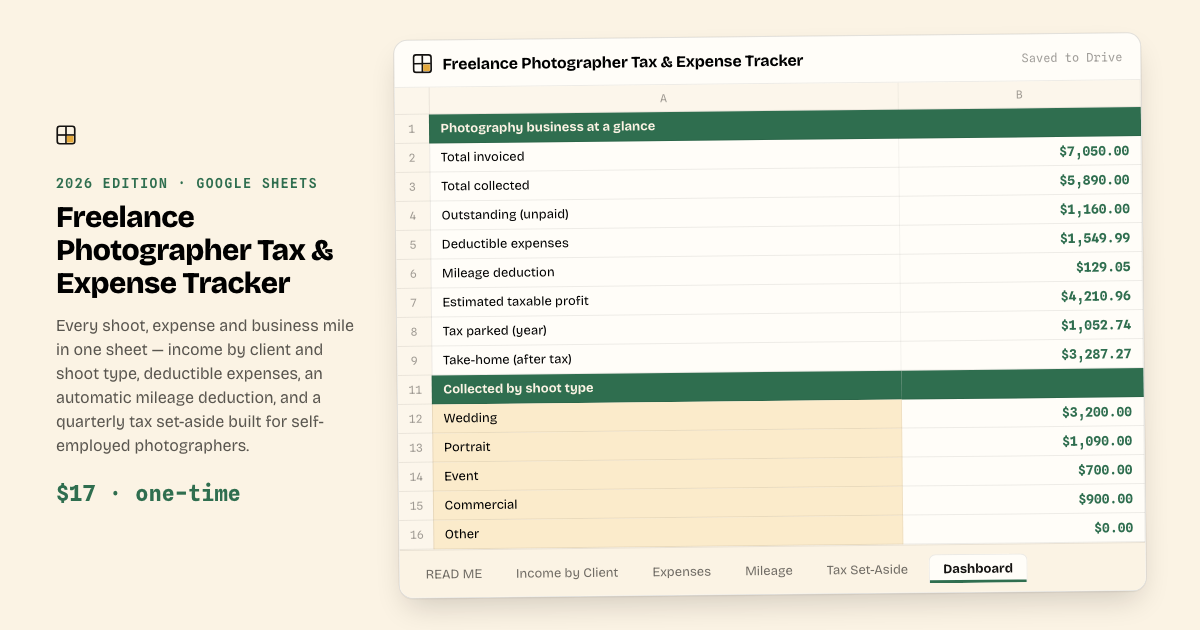
Freelance Photographer Tax & Expense Tracker
Every shoot, expense and business mile in one sheet — income by client and shoot type, deductible expenses, your mileage deduction, and a quarterly tax stash.
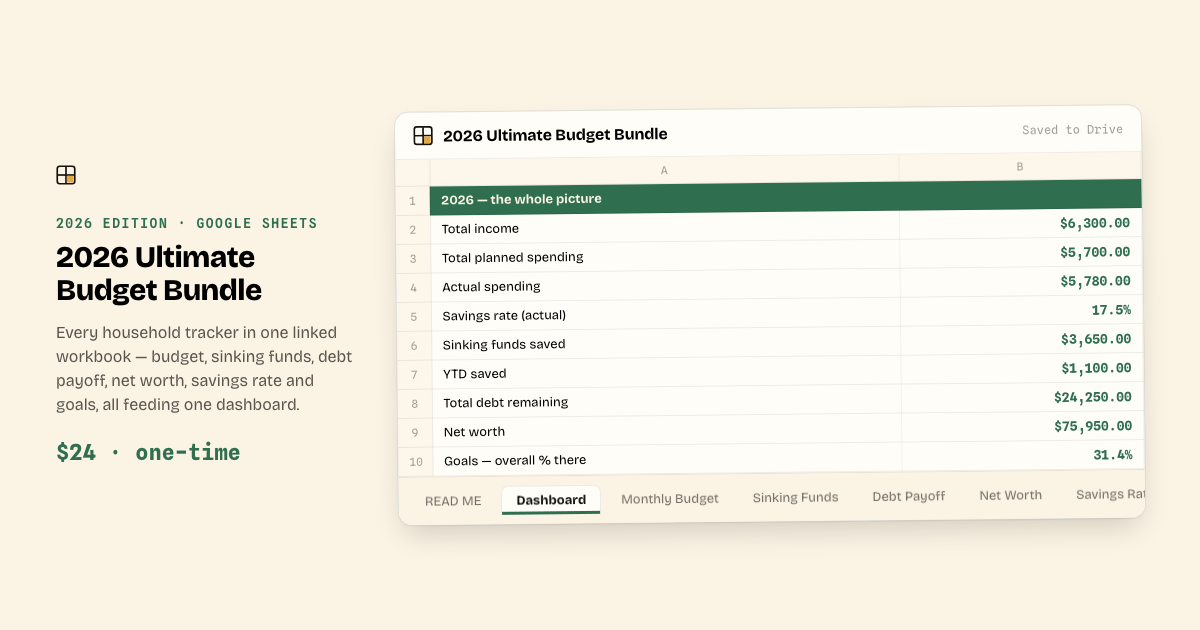
2026 Ultimate Budget Bundle
Every tracker in one workbook: budget, sinking funds, debt payoff, net worth, savings rate and goals — all linked to one dashboard.
Run a one-person shop?
The Handmade Shop Bookkeeping Bundle keeps your whole back office in one workbook: orders, true per-order profit after fees, inventory, expenses and quarterly tax set-asides.
How it works
Yours in under a minute
Buy & download
Checkout is handled by Stripe. The moment you pay you land on your download page — your workbook file, ready to save.
Open it your way
Open the file in Excel or LibreOffice, or drop it in Google Drive and choose “Make a copy”. Your copy is private — we never see your numbers.
Fill in your numbers
Input cells are marked; formulas are protected so nothing breaks. Every total, dashboard and progress bar updates by itself.
Works in Excel, Google Sheets and LibreOffice · in any browser and on the Google Sheets mobile app
Good to know
Questions, answered plainly
Published · Updated
Do I need anything besides a free Google account?
No. Templates are Excel (.xlsx) workbooks that open in Excel, LibreOffice, or Google Sheets — upload to Drive and choose “Make a copy”, or just open it there. One file, nothing else to buy.
Is this a subscription?
No. You pay once and the copy in your Drive is yours forever. Buyers also get every update to their edition free — we email the new link when it ships.
How does delivery work?
Right after checkout you land on a download page with your workbook file. Save it, then open it in Excel or LibreOffice — or drop it in Google Drive and choose “Make a copy” to use it in Google Sheets.
Can you see my financial data?
No. Your copy lives in your Google Drive under your account. We only ever see the blank master template.
What if something looks broken?
Email [email protected] and we reply within 24 hours. Because these are instant digital downloads all sales are final, but if anything is genuinely broken we fix it fast or make it right.